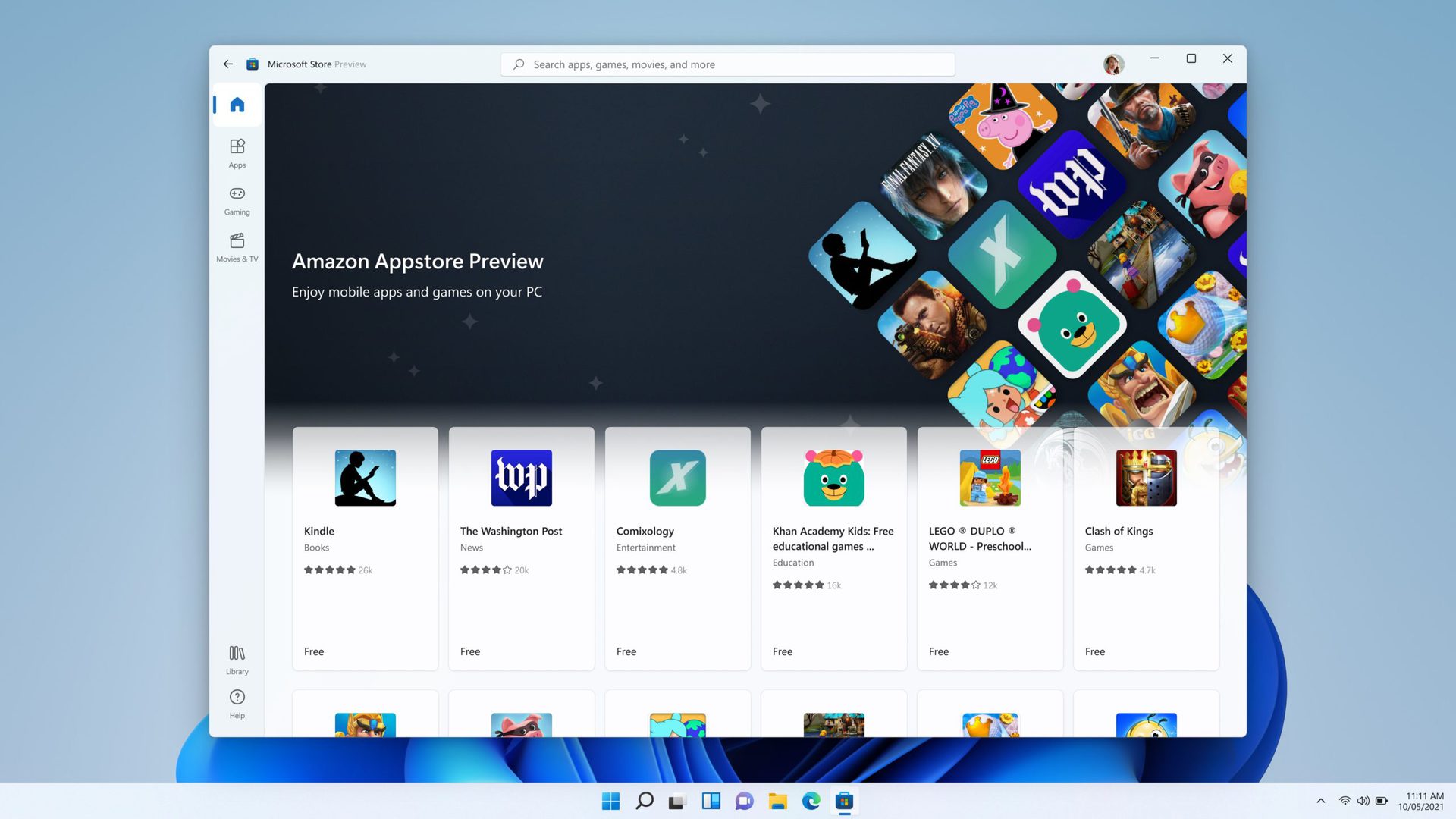
To get started, you'll need to install the Amazon Appstore or another Android app store on your Windows 11 device. This will give you access to a wide range of Android apps, including games, productivity tools, and more. From there, you can browse and download your favorite Android games, just like you would on an Android device.
One of the things that really stands out about running Android apps on Windows 11 is the seamless gaming experience. With the power of your Windows 11 device behind you, you can enjoy fast and smooth gameplay, even with demanding titles. Plus, with the ability to use your keyboard and mouse, you can take your gaming to the next level.

