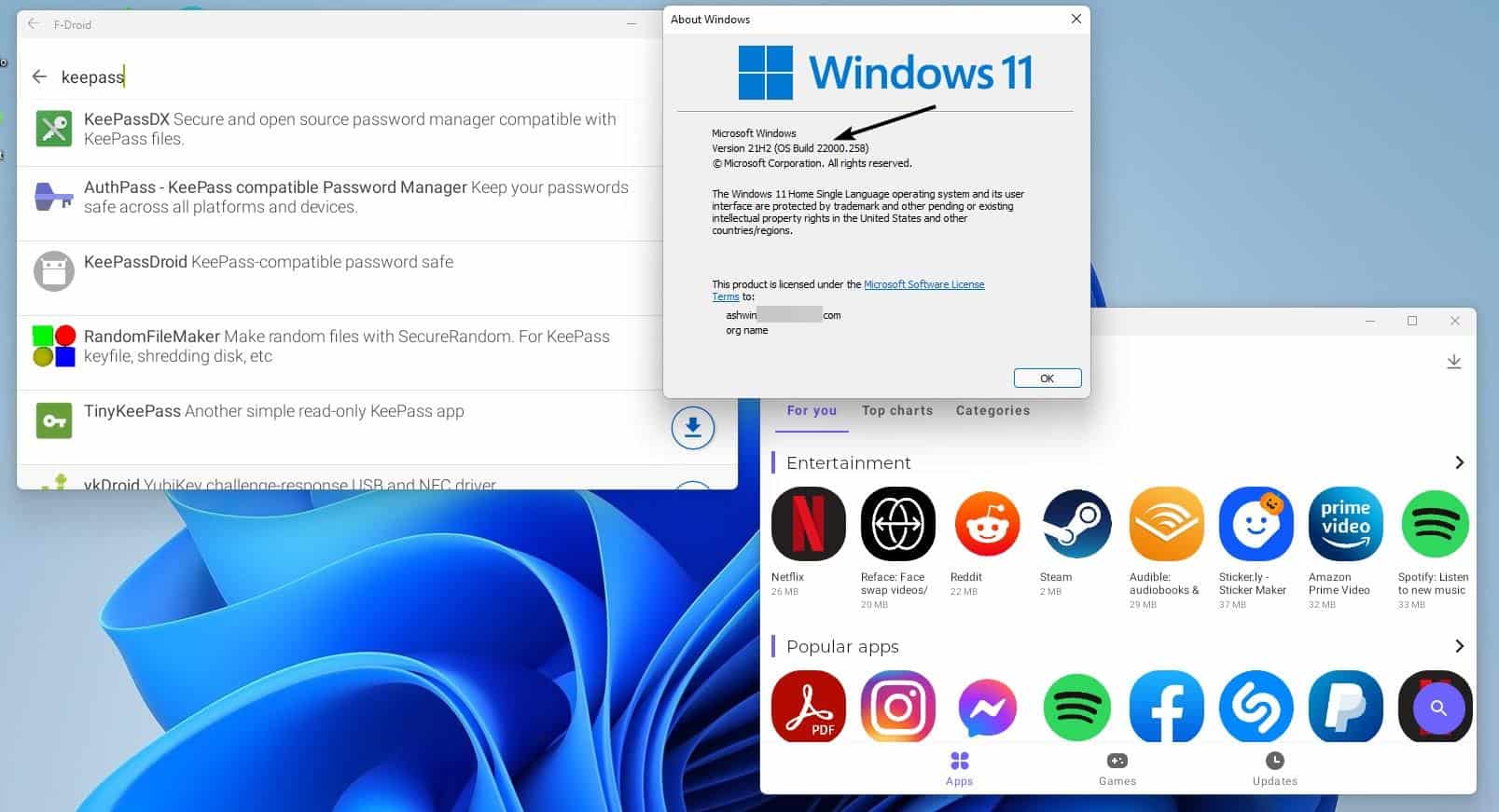
So, here's the deal. You can use the Windows Subsystem for Android to run Android apps on your Windows 11 machine. It's pretty simple to set up, and once you do, you can download and install Android apps just like you would on your phone or tablet.
From moment to moment, you'll be navigating your favorite Android apps on your PC, which is pretty cool. You can use the mouse and keyboard to interact with apps, or even use touchscreen controls if your PC has a touchscreen.

