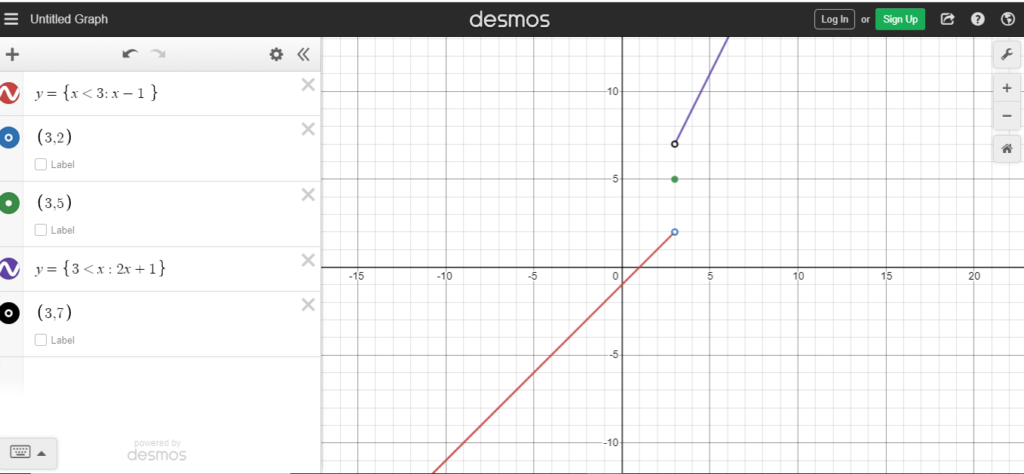
Want to look like a total Desmos wizard? You can type a three-piece function on one line using nested braces. Check this out: y = {x < 0: -x, x < 2: x^2, 4}. This uses a different hidden syntax with colons!
That syntax is: y = {condition1: expression1, condition2: expression2, default}. The last value (here, 4) is the “else” case for when no condition is true. It’s compact, powerful, and will impress your math teacher. But for beginners, stick with one line per piece. It’s clearer and less error-prone.

