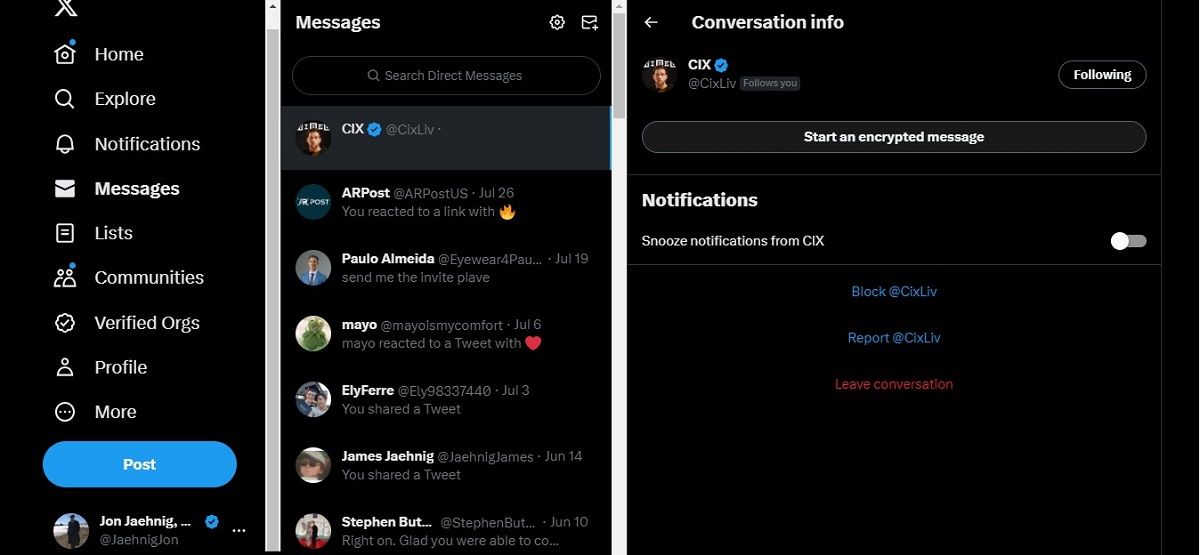
We live in a world where your coffee order is data-mined and your ex’s Spotify playlist is eerily accurate. Encryption is the ultimate digital chill pill. Remember the Snowden era? Or when every app suddenly wanted your location? Turning on encryption is like putting on noise-canceling headphones in a chaotic airport—it’s a small act of rebellion for your own peace.
Plus, there’s a certain low-key power in knowing your conversations are untouchable. It’s the same energy as wearing sunglasses indoors. You’re not showing off; you’re just quietly superior.
A Little Tech Magic: The Math Behind It
Here’s a fun fact to drop at dinner parties: E2E encryption uses public and private keys. Think of the public key as your mailbox address (anyone can send you a letter), and the private key as your actual mailbox key (only you can open it). X never touches the key. So even if aliens hacked their servers, they’d see gibberish. Math saves the day again.
It’s not just for spies or paranoid tech bros. It’s for anyone who’s ever sent a risky joke, a vulnerable “I’m scared” text, or a late-night “I love you.” Because those words deserve a lock and key.

