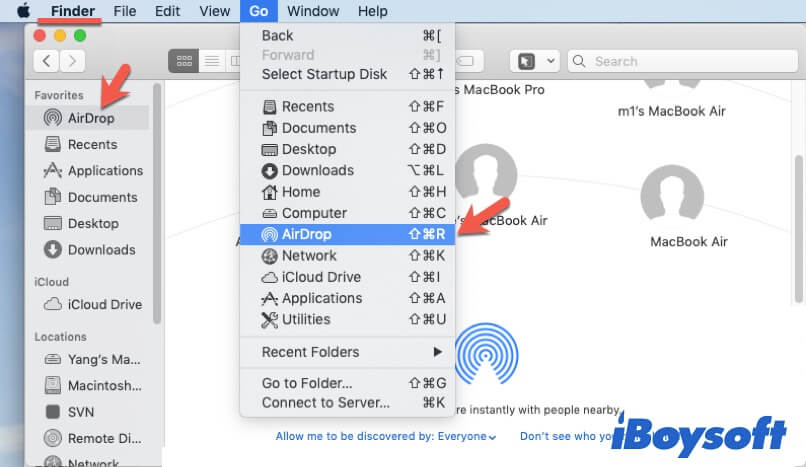
Before you go hunting for the switch, understand a tiny rule: your Mac and your iPhone need to be friends. They should be near each other (within about 30 feet), with Bluetooth and Wi-Fi turned on. Don't worry—you don't need an internet connection, just the radios.
Also, check that both devices are signed into the same Apple ID. If they are, AirDrop works like a charm. If not, you'll just need to set your Mac to "Everyone" instead of "Contacts Only." It's like leaving your front door unlocked for a friendly neighbor.

