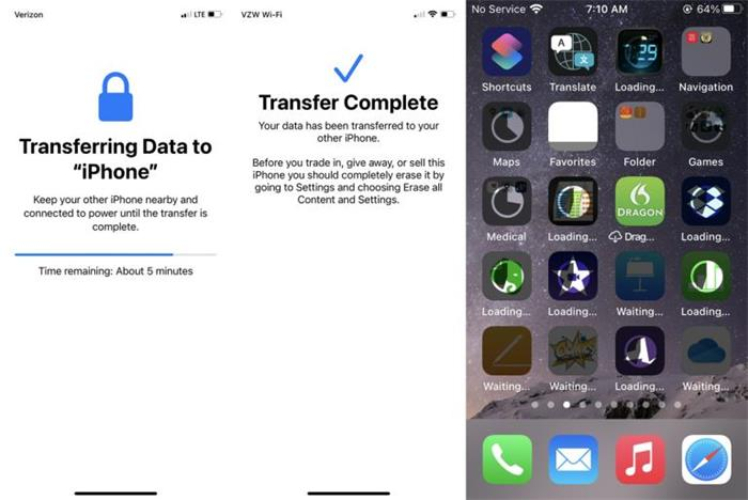
Now that your old phone is backed up, it's time to transfer those text messages to your new phone. You can use a transfer cable or go wireless and use a transfer app, like Shareit or Send Anywhere. Either way, it's a breeze to get your messages moved over.
If you're using an iPhone, you can use the iCloud method to transfer your messages. Simply sign in to your iCloud account on your new phone and select the option to restore from backup. Easy peasy, right? Your messages will be magically transferred in no time.
For Android users, you can use the Google Drive backup method or a third-party app like SMS Backup & Restore. These apps make it super simple to transfer your messages and other data to your new phone. You'll be up and running in no time!

