
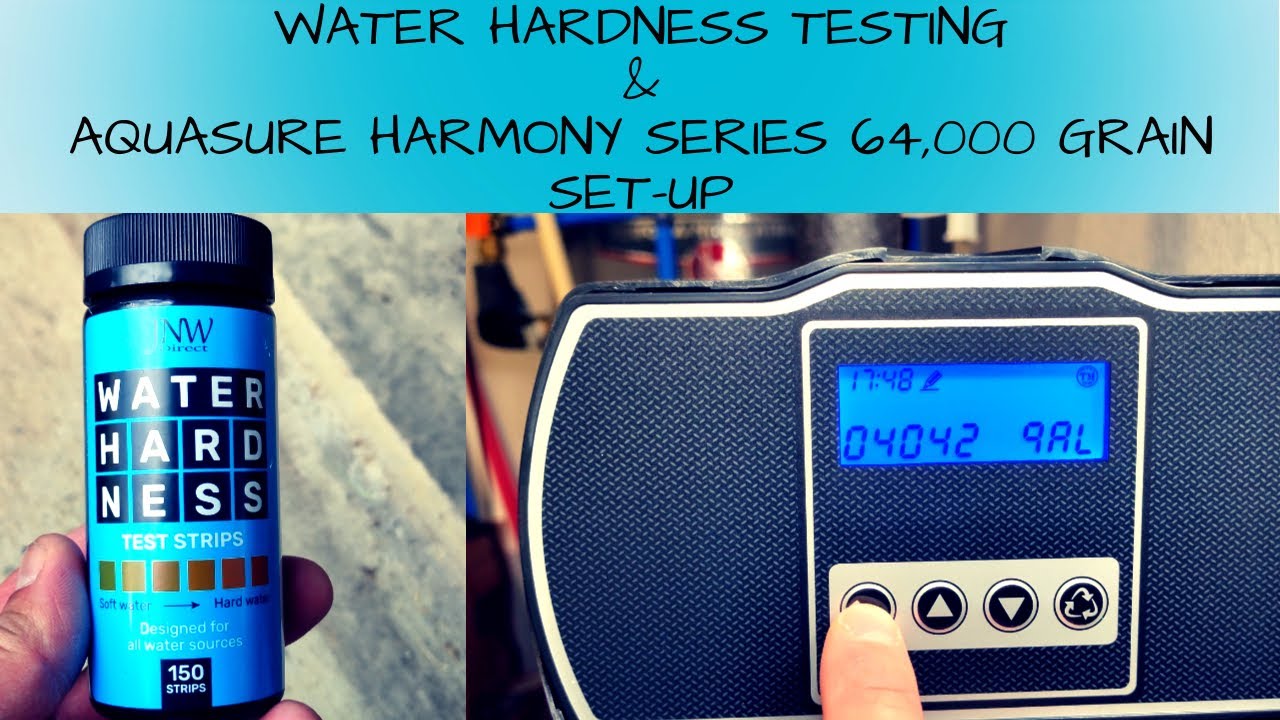
Now, find the control panel on your softener. It looks like a spaceship’s dashboard. There’s usually a button labeled “Hardness” or a menu setting. Press it until the number blinks. Use the arrows to adjust.
Here’s the fun part: You can’t just set it to the number you found. You have to round up. If your test says 14.2 GPG, set it to 15. Why? Because water chemistry is messy, and your robot likes round numbers. It’s like singing a song in the right key—close enough makes a beautiful sound.
If you set it too low, your softener is underpowered. You’ll still have hard water and might cry into your spotty coffee mug. If you set it too high, you waste salt and water. Your softener regenerates more often than a lizard shedding skin. Wasteful and annoying.
The Golden Rule of Water Testing
Your water supply can change. Shocking, I know. If your city switches to a new source, or if you get a new well pump, the hardness can shift. Test your water once a year. Put it on your calendar next to “change smoke alarm batteries.” It takes five minutes.
Here’s a wild truth: Water softeners love consistency. They are creatures of habit. If your hardness level stays the same, your robot hums happily and saves you money. Your clothes feel softer. Your skin doesn’t itch. Your shower glass stays clear. Pure magic.
 San Antonio Water Softener Hardness Setting

