
It's super easy! All you need to do is open the Spotify app on your phone, click on the search bar, and then tap the camera icon that appears on the right-hand side. This will open your phone's camera, and you can then point it at the Spotify Code to scan it and access the music.
Think of it like scanning a QR code at the supermarket to get a discount on your favorite snack. It's just as simple and convenient! And the best part is, you can scan Spotify Codes anywhere, anytime - whether you're at a music festival, a store, or even on social media.
But why should you care about scanning Spotify Codes? Well, for one, it's a great way to discover new music and artists that you might not have come across otherwise. It's like having a personalized music recommendation system that's tailored to your tastes and preferences. Plus, it's a fun way to share music with your friends and family, and to join in on the conversation about the latest music trends.
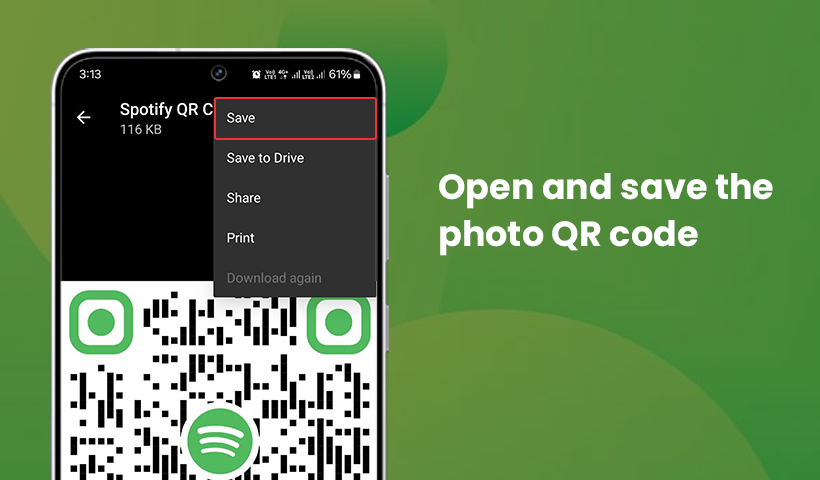 How to Create and Scan a Spotify QR Code?
For example, imagine you're at a party and someone starts playing a playlist that you love. You can scan the Spotify Code on the playlist and instantly start listening to it on your own phone. It's like having a musical icebreaker that brings people together and gets the conversation started.

