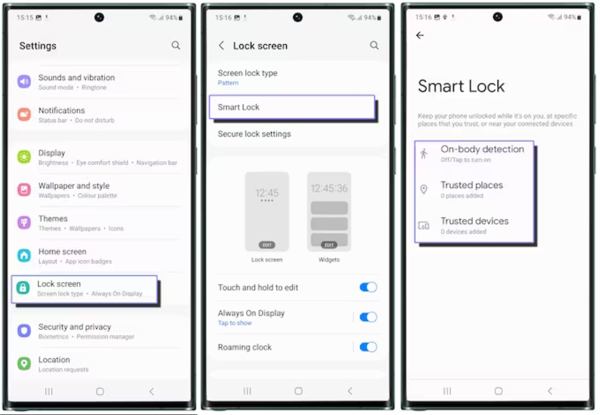
Sometimes the Samsung account route crashes like a bad Wi-Fi signal. Enter Google’s “Find My Device” feature. Borrow a friend’s phone or use a computer, go to the Find My Device website, and log into your Google account. You’ll see your locked phone on a map—tap “Lock” or “Erase Device” (erase is a last resort, since it wipes everything).
It’s like sending a remote control signal to your pocket. Remote unlocking feels almost magical, doesn’t it?
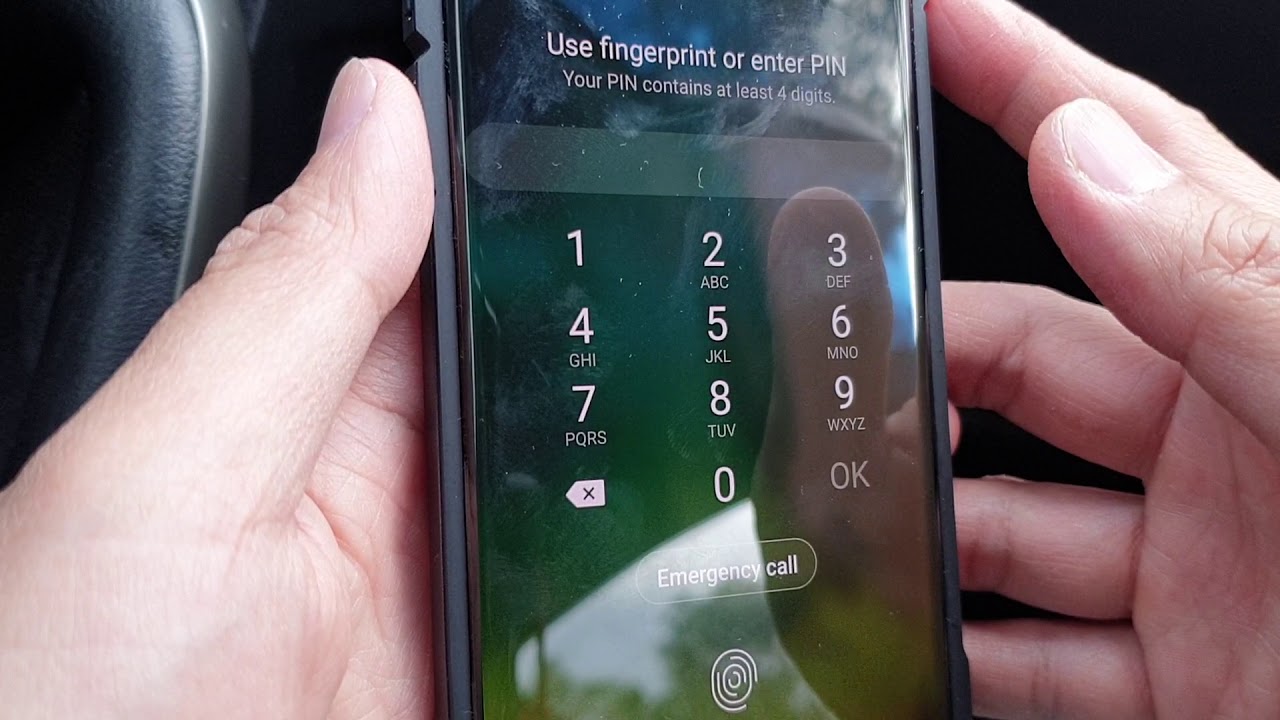 Open Locked Phone
The Factory Reset: Nuclear Option
If nothing works, it’s time for the big one: a factory reset. Turn off the phone, then hold Volume Up and the Power button together until the Samsung logo appears. Use the volume keys to scroll to “Wipe data/factory reset,” and press the power button to confirm.
Brace yourself—this erases everything on the phone—your photos, contacts, apps, all gone. It’s like hitting Ctrl+Alt+Del on a spaceship, but it opens the lock every time. Only use this if you’ve backed up your stuff or you’re ready for a fresh start.

