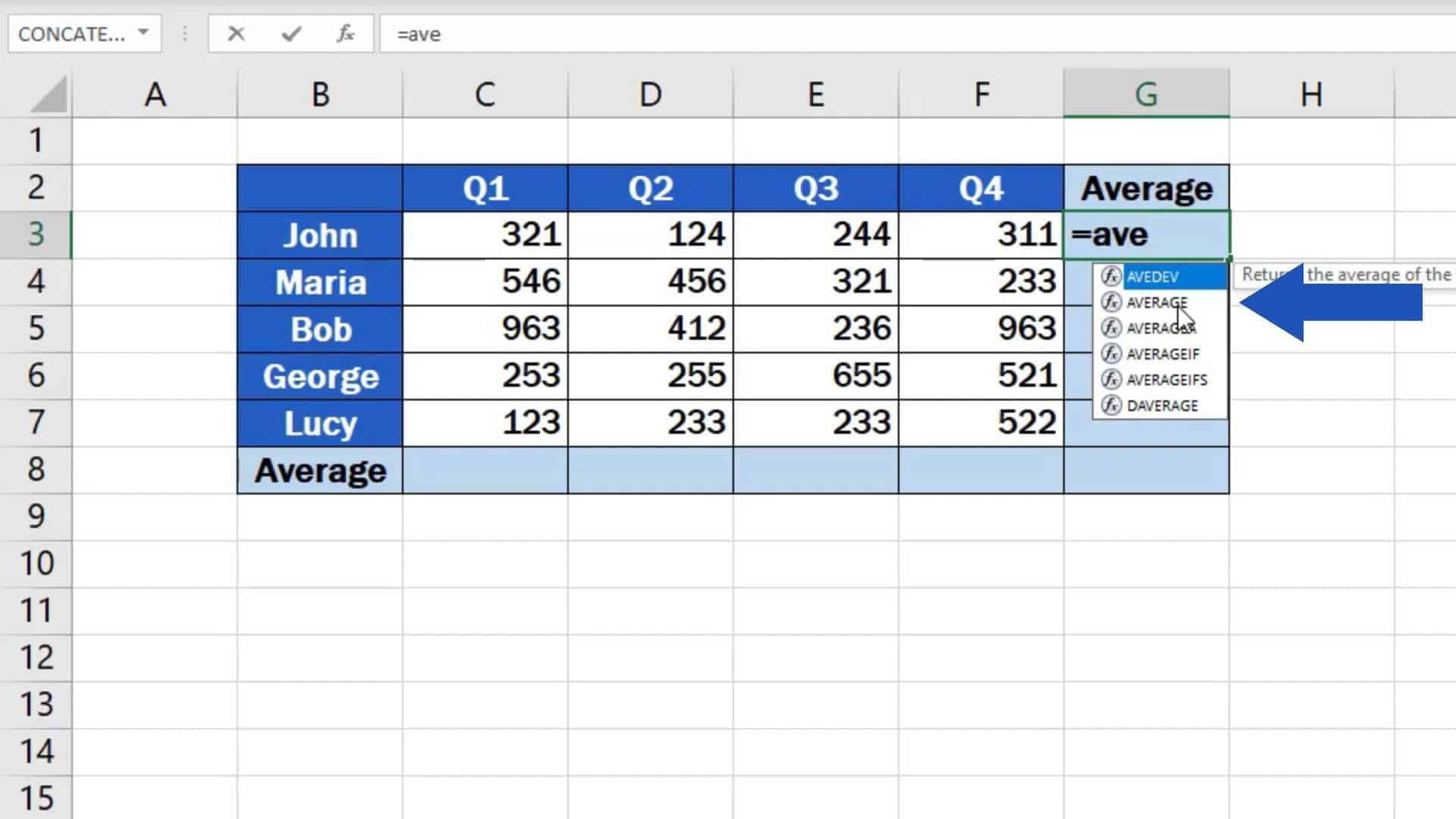
Finding an average in Excel is not hard. It’s one formula. =AVERAGE(. That’s it. You can do it faster than you can find your car keys (which are probably in your other jacket, I know).
Play around with it. Combine it with =IF or =SUM. Make a mess. Then clean it up. That’s how you learn. And if you mess up? Undo button is your best friend. Ctrl+Z forever.
Now go average something. Your weekend plans. Your leftover pizza slices. Whatever. You’ve got this. And Excel’s got your back. Cheers.

