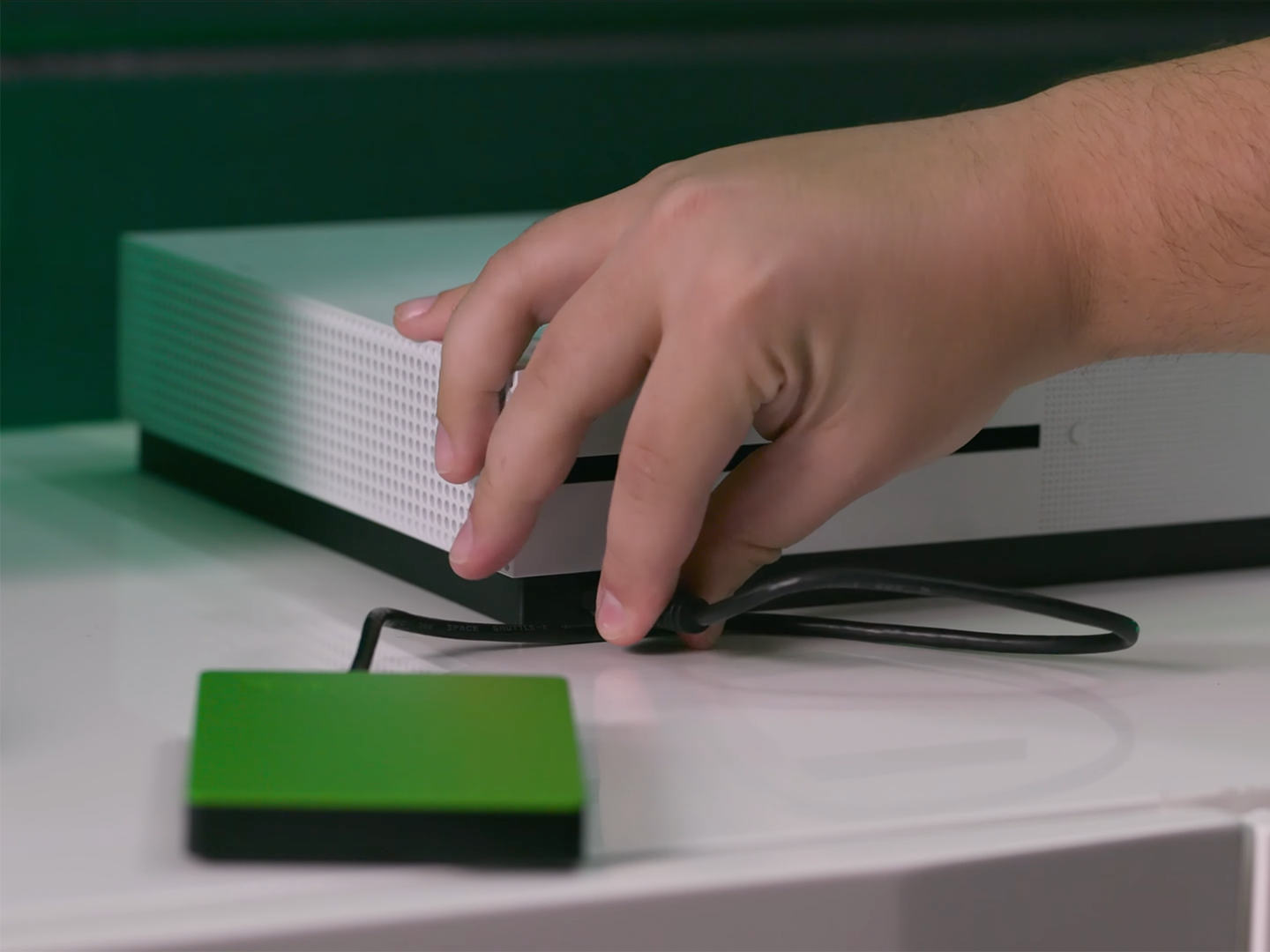
First, plug that sucker into one of the USB ports on the back or side of your Xbox One. Use the side port if you’re lazy, the back port if you’re a cable-management neat freak. I recommend the back, because nothing ruins a gaming session like accidentally kicking your entire game library across the room. You’ll then hear a satisfying bloop as the console realizes something new is attached.
A pop-up menu will appear, asking if you want to “Format storage device.” This is the crucial moment. Do not, under any circumstances, click “Cancel” unless you want to explain to your therapist why you fear commitment. Hit that “Format” button like you’re defusing a bomb with a hairpin. The Xbox will then wipe the drive clean and dedicate it to gaming glory.
Here’s a wild fact: your new drive won’t just hold games; it can also store screenshots and game clips. Capture your epic fails in 4K and save them forever. No more losing that clip of you falling off a cliff in Elden Ring because you ran out of space. It’s like giving your memories a luxurious mansion, while your internal drive is a cardboard box on the side of the road.

