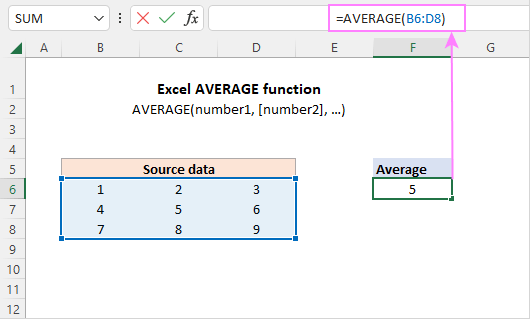
Averages and percentages together? It’s like peanut butter and jelly, but with more decimal places. If you have percentages already formatted, just =AVERAGE them normally.
But if you have raw numbers like 0.15 and 0.35, format those cells as a percentage first. Otherwise, Excel will spit out 0.25 instead of 25%. And you’ll look like a spreadsheet newbie in front of your boss. Nobody wants that.
Tip: Always check the number format in the ribbon under “Home.” A quick glance saves you ten minutes of head-scratching.

