
If holding down icons feels too 2016, there’s a shortcut. Go to your Settings app. Tap your name at the top, then “iCloud,” and look for “Manage Storage.” Or—and this is the pro move—just search for the app’s name using the search bar you pull down from the top of the screen.
When the app pops up in the search results, press and hold its icon right there. Yes, even in search! It will wiggle, and you can delete it instantly. This is for people who hate opening folders. It’s the drive-thru of app removal.
Why Are We Doing This?
Let’s be real: you’re probably deleting a workout app you never used. Or a grocery list app that intimidated you. That’s okay. Your iPhone 7 has precious storage space—only 32GB if you got the base model. That’s like trying to fit a Thanksgiving dinner into a lunchbox.
Every empty spot on your screen is a tiny victory. Space for new memories. Or, you know, more memes.
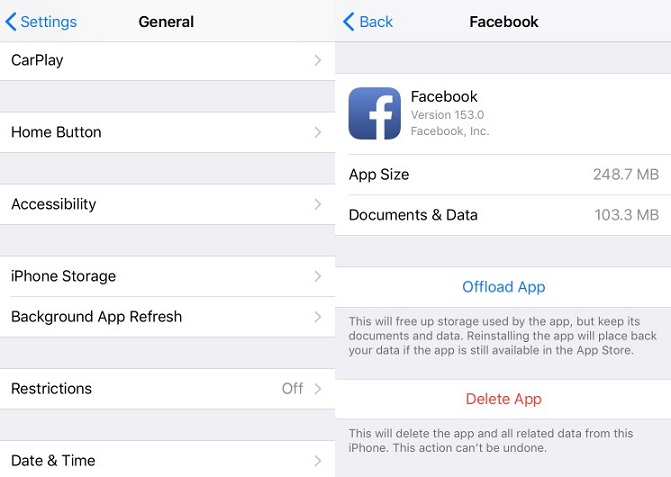 How to Delete Apps on iPhone 7/iPhone 7 Plus

