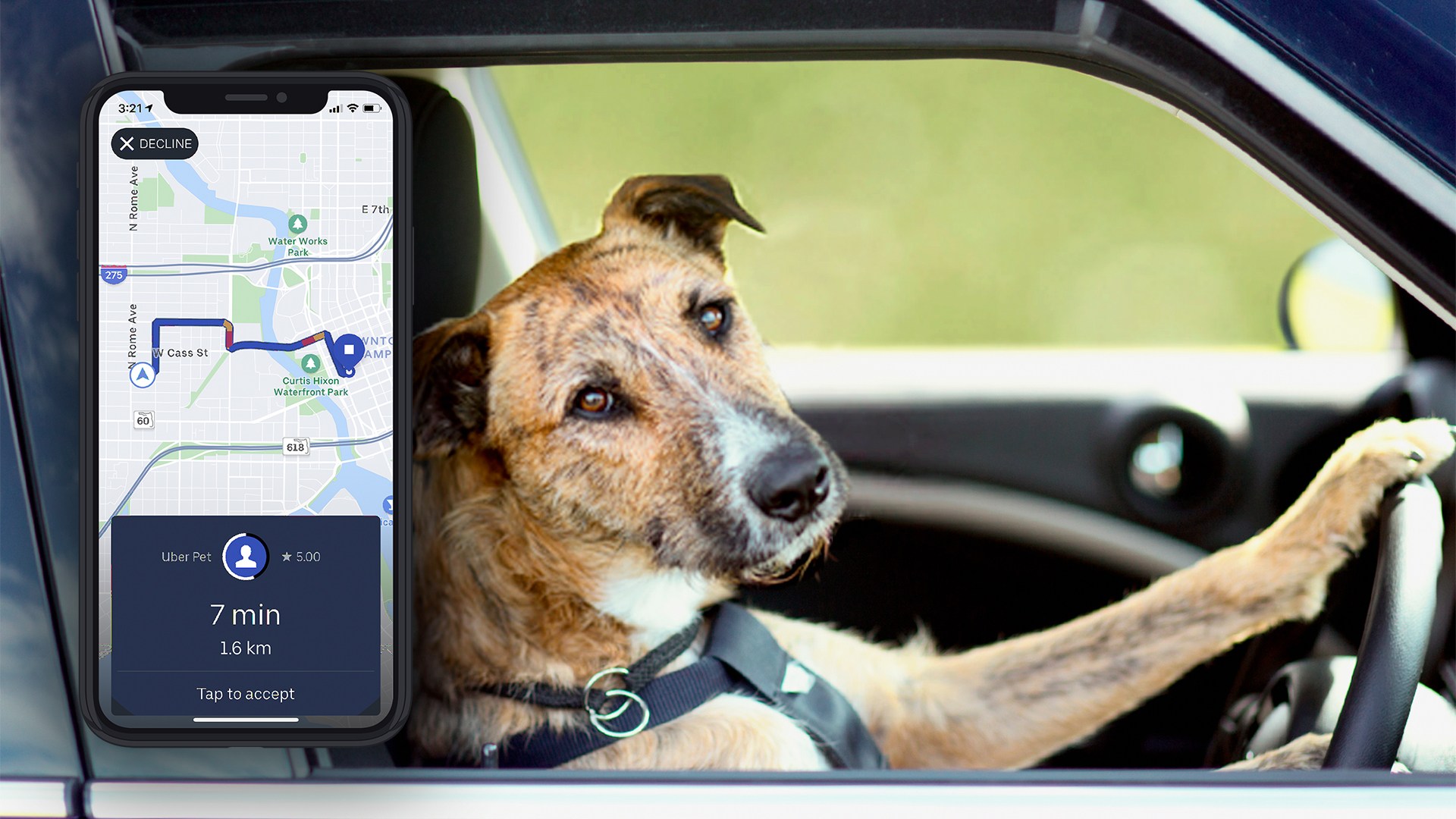
Technically, Uber’s official policy says service animals are always welcome—no questions asked, no fees, no drama. For emotional support animals or plain old pets, though, the rules get a bit squishy. Uber does not have a blanket “pets allowed” policy; instead, it leaves the decision entirely to the driver.
So, you’re not breaking any terms of service by bringing Fido, but you are asking for a favor. Think of it like bringing a plus-one to a house party: the host gets to say yes or no. If a driver declines, don’t take it personally—they might have allergies, a strict no-fur rule, or a car interior that screams “white leather sofa.”
How to actually make it work (without being that person)
Before you request a ride, check the “pet-friendly” filter in the app—yes, it exists! It’s hidden under the “Ride Preferences” tab, and enabling it adds a gentle note to your driver. This isn’t a guarantee, but it’s like sending a polite head’s up: “Hey, a small, well-behaved dog will be joining me.”
If your city doesn’t have that filter, you’re playing the old-fashioned game of communication. Send a quick text to the driver right after they accept: “Hi! I have a small, clean dog in a carrier—is that okay?” Most drivers appreciate the heads-up more than a surprised tail wagging in their rearview mirror.
Pro tip: Always bring a blanket or towel to cover the seat. It’s the ride-share equivalent of bringing a hostess gift—it says, “I respect your upholstery.” Plus, it keeps fur and mud from staging a protest in the backseat.

